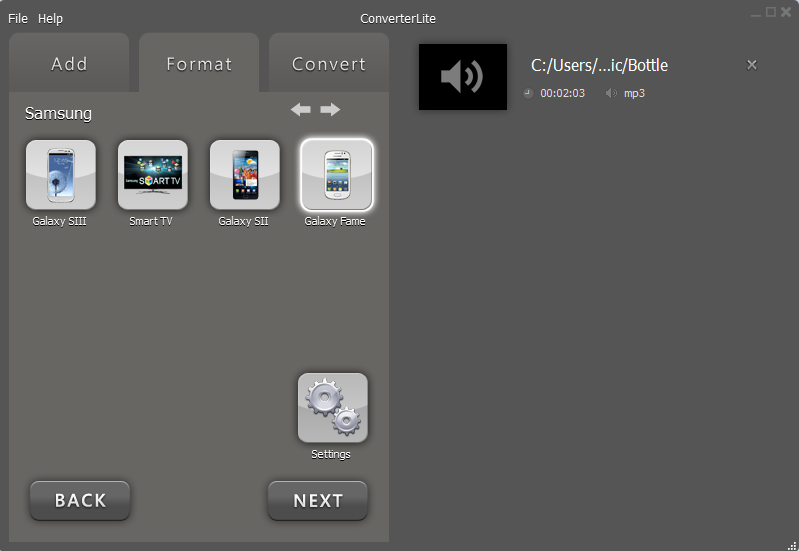
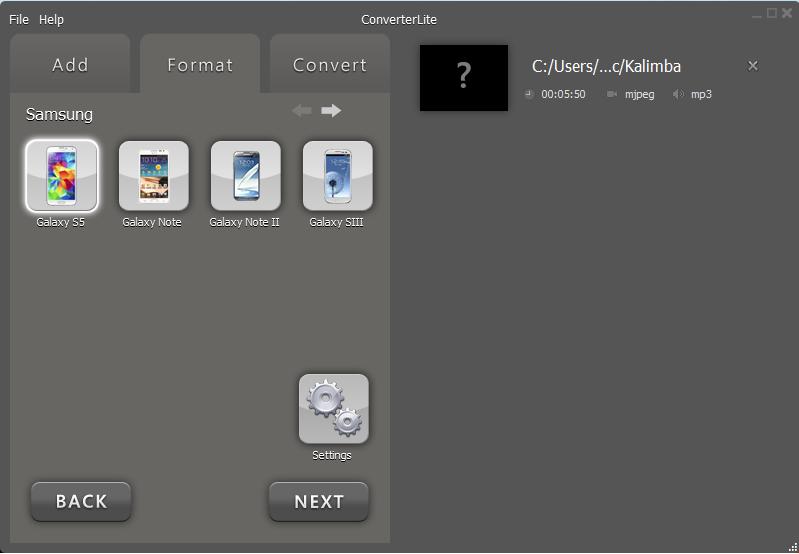
ConverterLite – Audio and Video for DVD, iPhone, iPad, Android Smartphone, PS3, PSP and more!

ConverterLite is a free audio and video batch conversion program.

Main menu

Skip to content
  • EULA
  • Privacy

Author Archives: dylan

Post navigation

← Older posts

Version 1.6.3

Posted on January 24, 2013 by dylan

ConverterLite version 1.6.3 was published on Friday 11th January. Continue reading →

Posted in ConverterLite | Leave a comment |

Version 1.6.2

Posted on January 24, 2013 by dylan

ConverterLite version 1.6.2 was published on Monday 3rd December. Continue reading →

Posted in ConverterLite | Leave a comment |

Version 1.6.1

Posted on January 24, 2013 by dylan

ConverterLite version 1.6.1 was published on Thursday 15th November. Continue reading →

Posted in ConverterLite | Leave a comment |

Version 1.6.0

Posted on September 27, 2012 by dylan

ConverterLite version 1.6.0 was published on Thursday 27th September. Continue reading →

Posted in ConverterLite, Install/Uninstall | Leave a comment |

Version 1.5.1

Posted on July 20, 2012 by dylan

ConverterLite version 1.5.1 was published on Friday 20th July. Continue reading →

Posted in Install/Uninstall | Leave a comment |

Version 1.5.0

Posted on June 12, 2012 by dylan

ConverterLite version 1.5.0 was published on Tuesday 12th June. Continue reading →

Posted in ConverterLite | Tagged bug fix, ConverterLite, DVD ripping, File Converter, Free DVD ripping software | 18 Comments |

Burning to CD

Posted on May 14, 2012 by dylan

A step-by-step guide on how to Burn to CD with Converterlite. Continue reading →

Posted in CD | Tagged Bunr to CD, CD burning, CD burning software free, CD converson, Free CD burner, MP3 to, WMV to CD | Leave a comment |

CD burning requirements – ConverterLite

Posted on May 10, 2012 by dylan

The new version of ConverterLite with CD Burning capabilities (v1.4.0) will not work on Windows XP and Server 2003 without a Windows HotFix. Continue reading →

Posted in CD, ConverterLite | Tagged audio conversion, Burn to CD, CD burning, CD burning software, ConverterLite, free CD burning software | Leave a comment |

Version 1.4.0

Posted on May 10, 2012 by dylan

ConverterLite version 1.4.0 was published on Wenesday the 9th of May. Continue reading →

Posted in CD, ConverterLite, Install/Uninstall | Tagged audio conversion, Audio converter, Burn to CD, CD burning, CD ripping, DVD burning, DVD ripping, video conversion, Video converter | 16 Comments |

Burning to DVD

Posted on April 30, 2012 by dylan

A step-by-step guide on how to Burn to DVD with Converterlite. Continue reading →

Posted in DVD | Tagged Burn to DVD, Convert to DVD, DVD burner, DVD burning, DVD burning software free, Free DVD burning software, MP4 to DVD | 18 Comments |

Post navigation

← Older posts

Recent Posts

  • What is .M4A?
  • What is .3GP?
  • How to Rip CD/DVD
  • How to Convert AVI to MPEG
  • How to Convert MOV to AVI

Recent Comments

  • MediaPlayerLite on How to remove Funmoods toolbar
  • Elora on How to remove Funmoods toolbar
  • cilantro on How to remove Funmoods toolbar
  • cuervo on How to remove Funmoods toolbar
  • MediaPlayerLite on How to remove Funmoods toolbar

Archives

  • March 2013
  • February 2013
  • January 2013
  • September 2012
  • July 2012
  • June 2012
  • May 2012
  • April 2012

Categories

  • Audio
  • CD
  • ConverterLite
  • DVD
  • Install/Uninstall
  • Learn
  • Uncategorized
  • Video
  • Blog
  • About
  • Support
  • Uninstall
  • EULA
  • Privacy
  • Contact
ConverterLite is distributing modified installers which differ from the originals. The modified installers are compliant with the original software manufacturer's policies and terms & conditions. InstallIQ™ is an install manager that will manage the installation of your selected software. In addition to managing the installation of your selected software, InstallIQ™ will make recommendations for additional free software that you may be interested in. Additional software may include toolbars, browser add-ons, game applications, anti-virus applications, and other types of applications. You are not required to install any additional software to receive your selected software. You can completely remove the program at any time in Windows' Add/Remove Programs.
Proudly powered by WordPress | Theme: Toolbox by Automattic.